Getting Started with Beautcia: A Complete Guide for New Users
New to Beautcia? This step-by-step guide walks you through setting up your profile, managing appointments, and making the most of every feature.
Welcome to Beautcia! Whether you're a beauty professional looking to grow your business or a client searching for the perfect stylist, this guide will help you get the most out of the platform.
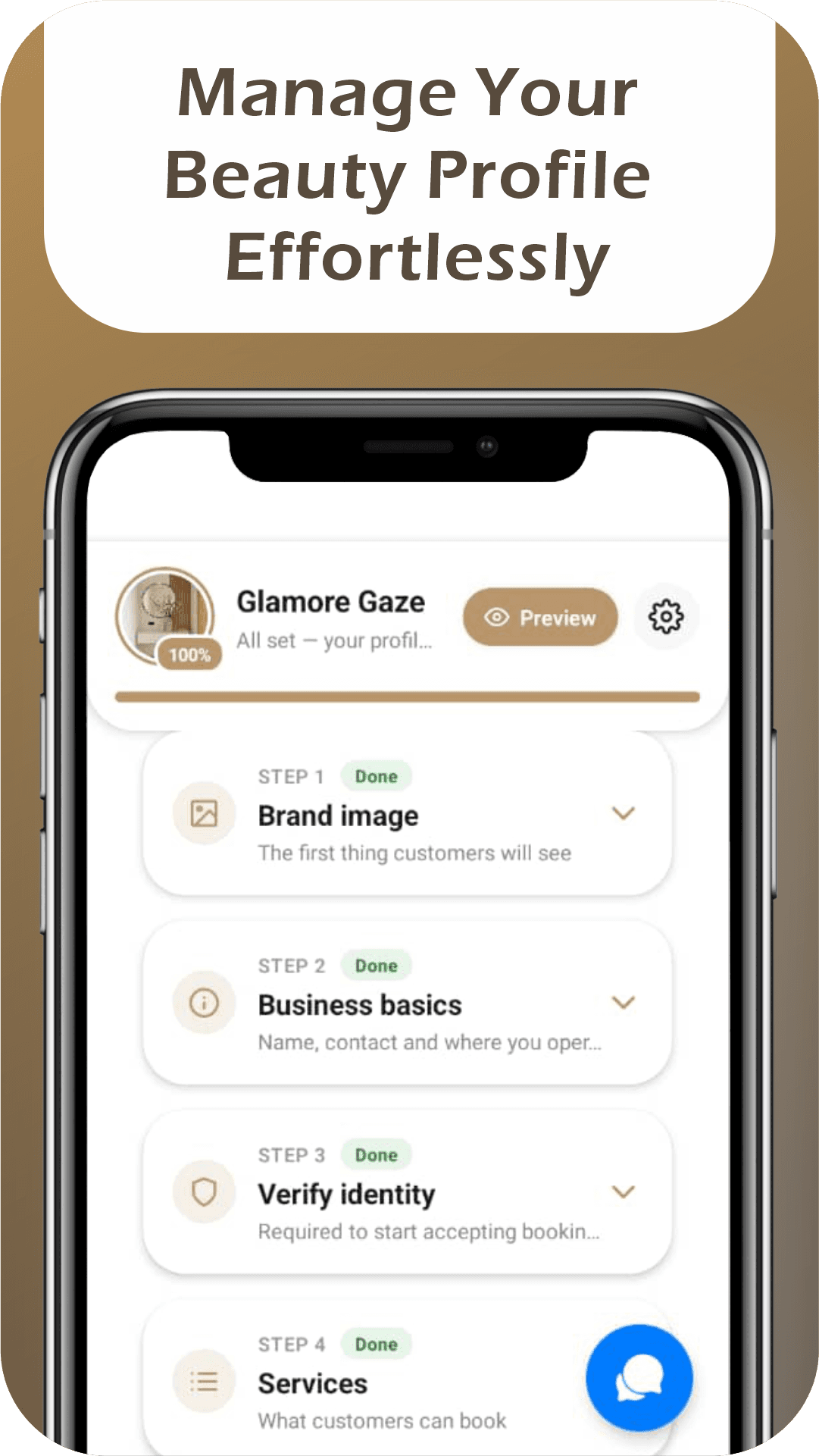
Start by creating your profile. Upload a professional photo, write a compelling bio, and list your specialties. For professionals, this is your digital storefront — make it count. Add photos of your best work to your portfolio and set up your service menu with clear descriptions and pricing.
Set your availability. Define your working hours, break times, and any recurring time off. Beautcia uses this to show real-time availability to clients, so accuracy is important. You can always adjust it as your schedule changes.
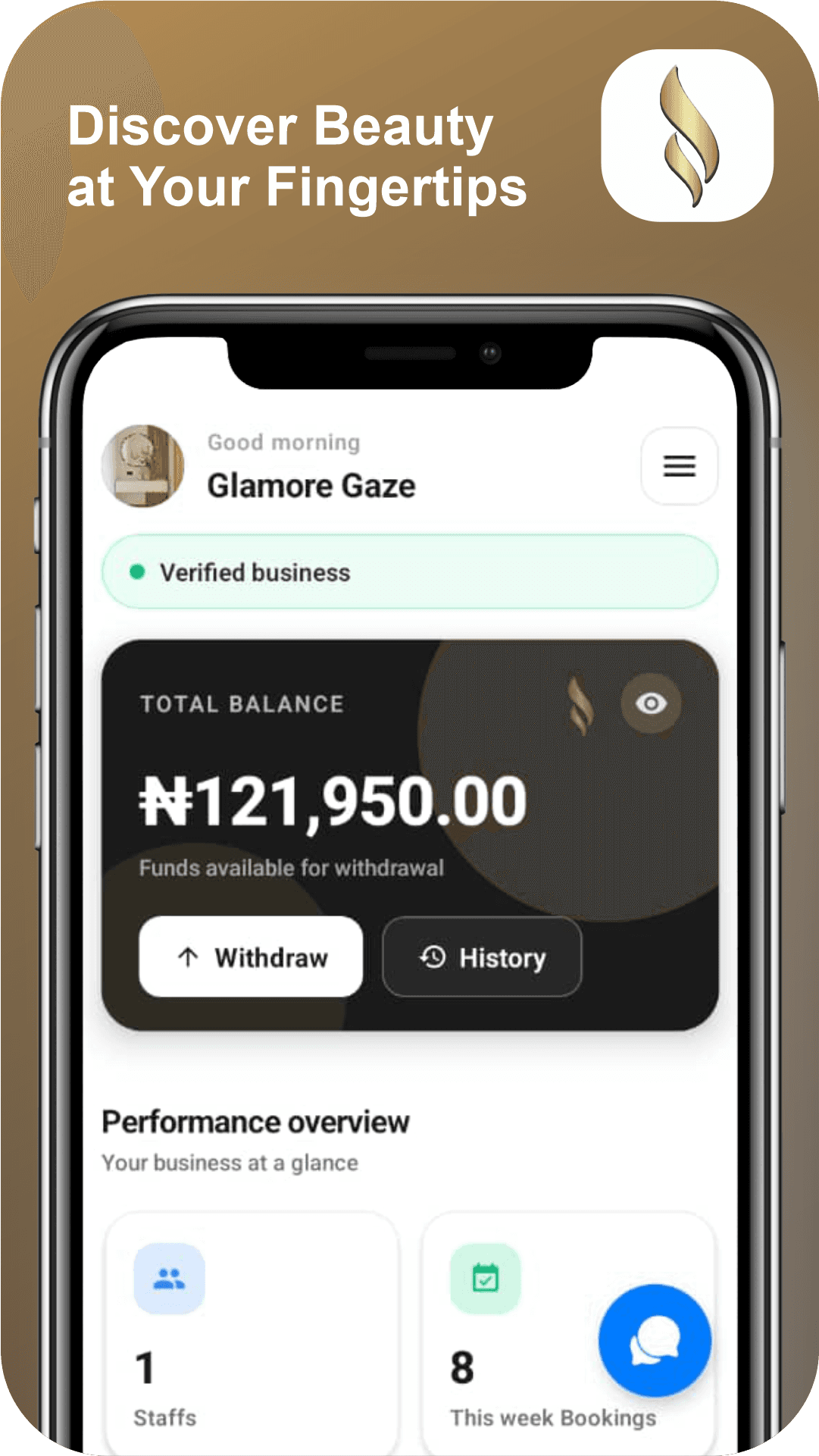
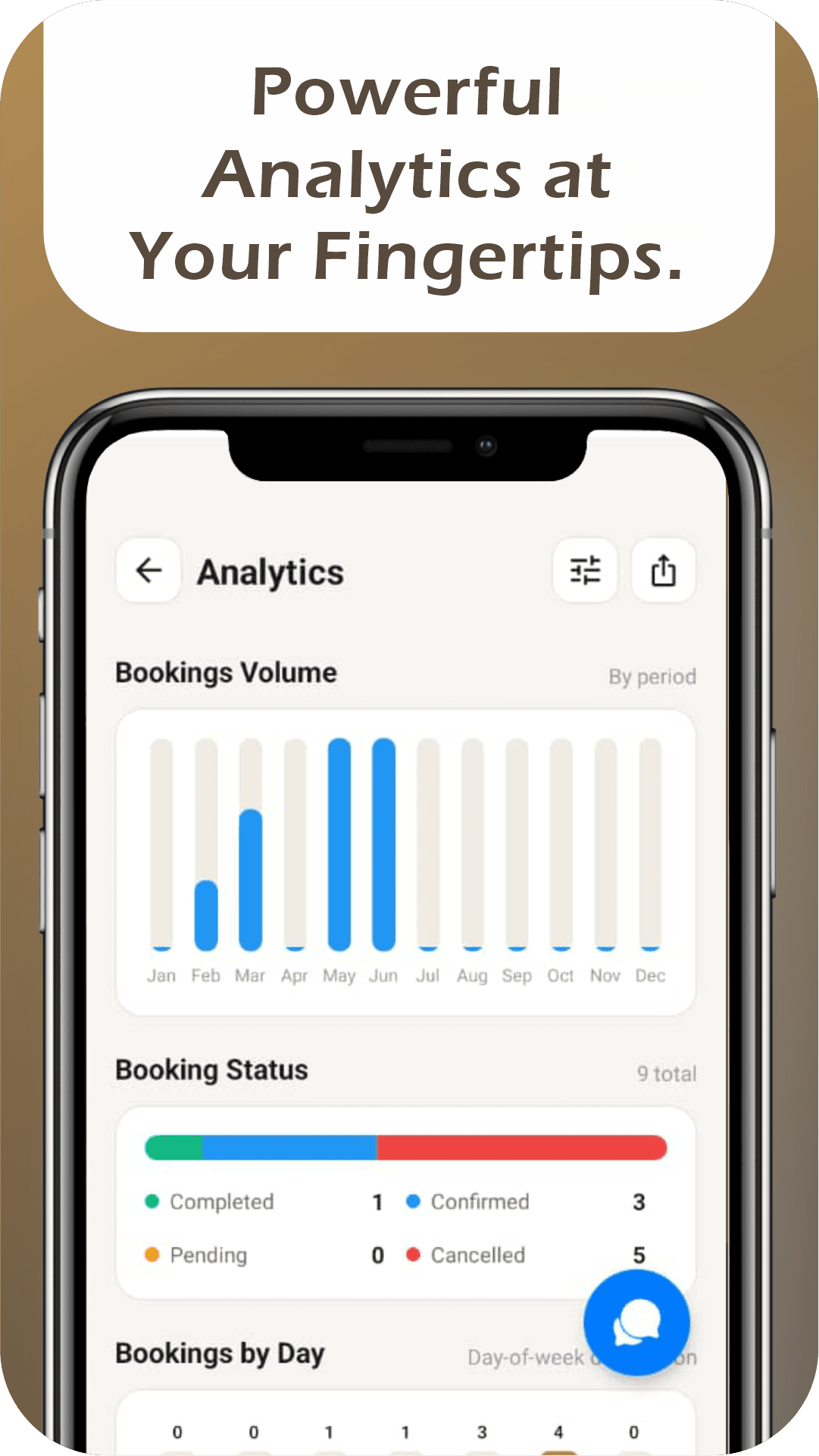
Explore the booking system. As a professional, you'll see upcoming appointments, client details, and service history at a glance. As a client, browse professionals, check their reviews and portfolios, and book with a few taps.
Enable notifications to stay on top of everything. Appointment confirmations, reminders, new booking requests, and review notifications all come through the app. Staying responsive builds trust with clients and helps you manage your schedule effectively.